
3D living room design template
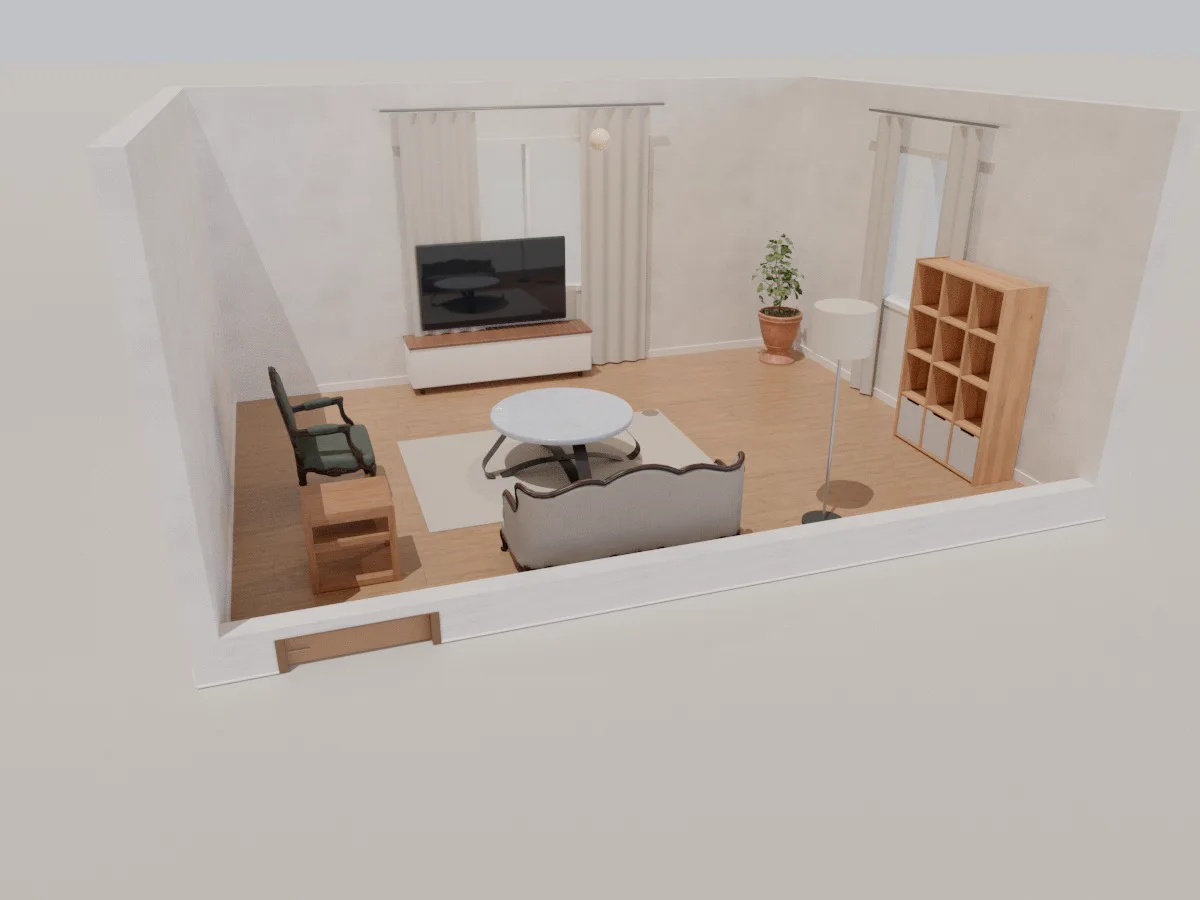
A furnished 6 × 4.5 m living room to start from: a three-seat sofa, round coffee table, armchair, TV unit, cube shelving, floor lamp and plants. Open it, resize it to match your home, then see the result in 3D.
- 6 × 4.5 m
- 2 windows, 1 door
- Sofa + TV unit
- Wood floor
What's in the living room template
Laid out around the TV
Sofa facing the TV unit, coffee table and rug in the middle, with a clear path from the door.
Reading corner
An armchair, side table and cube shelving make a quiet corner by the window.
Daylight
A 2.2 m main window and a second window; change the time of day to see the sun move across the room.
Real sizes
Every piece is at real size, so you know whether the sofa fits the wall before you buy it.
How to use the template
- 1
Open it
Click “Open the living room template” and Roomcraft creates a new project from it.
- 2
Make it yours
Drag walls or type lengths, move the door, swap the sofa, change paint and flooring.
- 3
See it in 3D
Orbit the room, look from above, or walk through it at eye level.
Frequently asked questions
Is the template free?
Yes. Roomcraft is free and runs in your browser with nothing to install. You only need an account to save projects to the cloud.
Can I change the room size?
Yes. The template is just a starting point: drag walls, type exact lengths in metres, add or remove doors and windows, change materials and swap any furniture. The 3D model updates as you edit the plan.
Will it work for a small living room?
Yes. Shrink the walls to your real size, then drop the armchair or shelving. The checks flag furniture that overlaps, blocks a door or leaves too narrow a passage.
Explore more
See all templates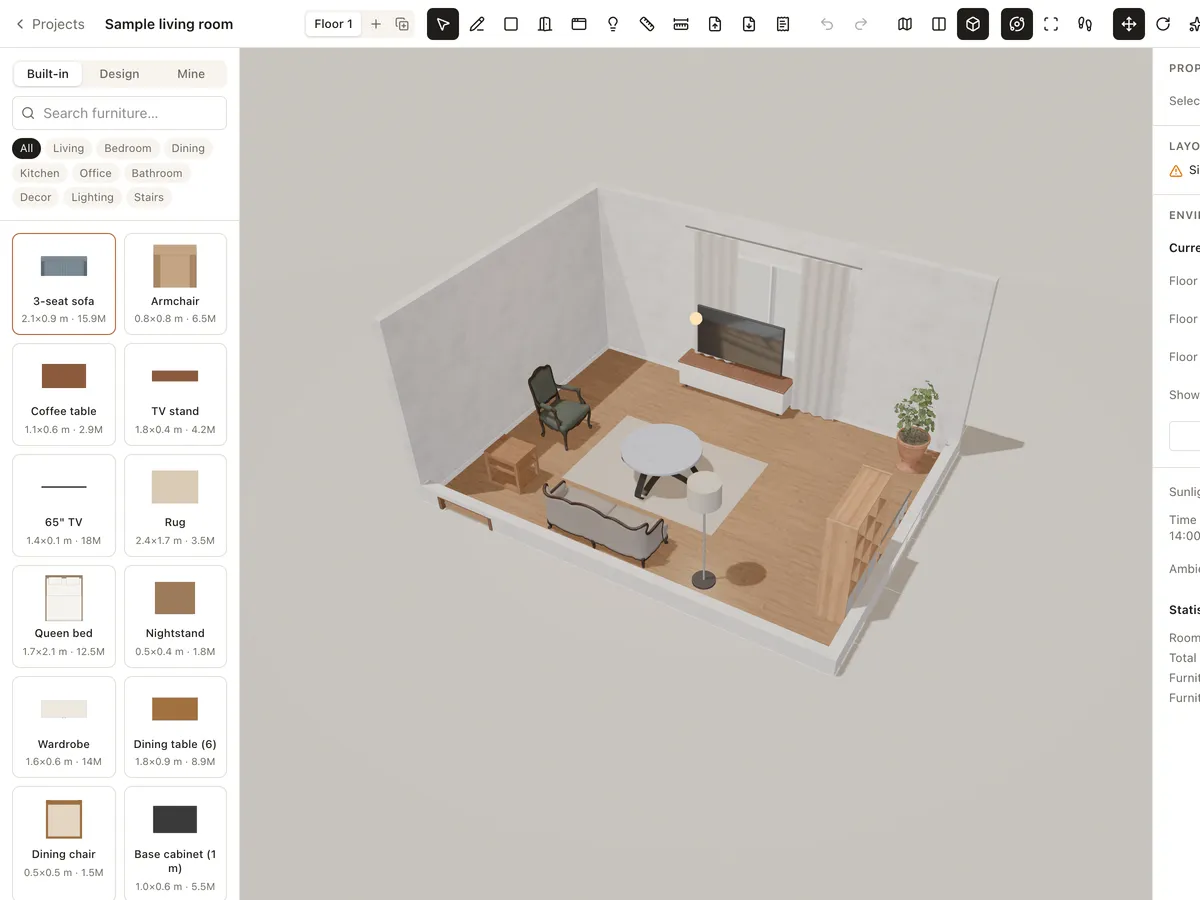
3D furniture library
Drag real-size 3D sofas, beds, dining tables, kitchen units, lights and decor into your room. Import your own GLB/GLTF models or use models shared by the Roomcraft community.
Learn more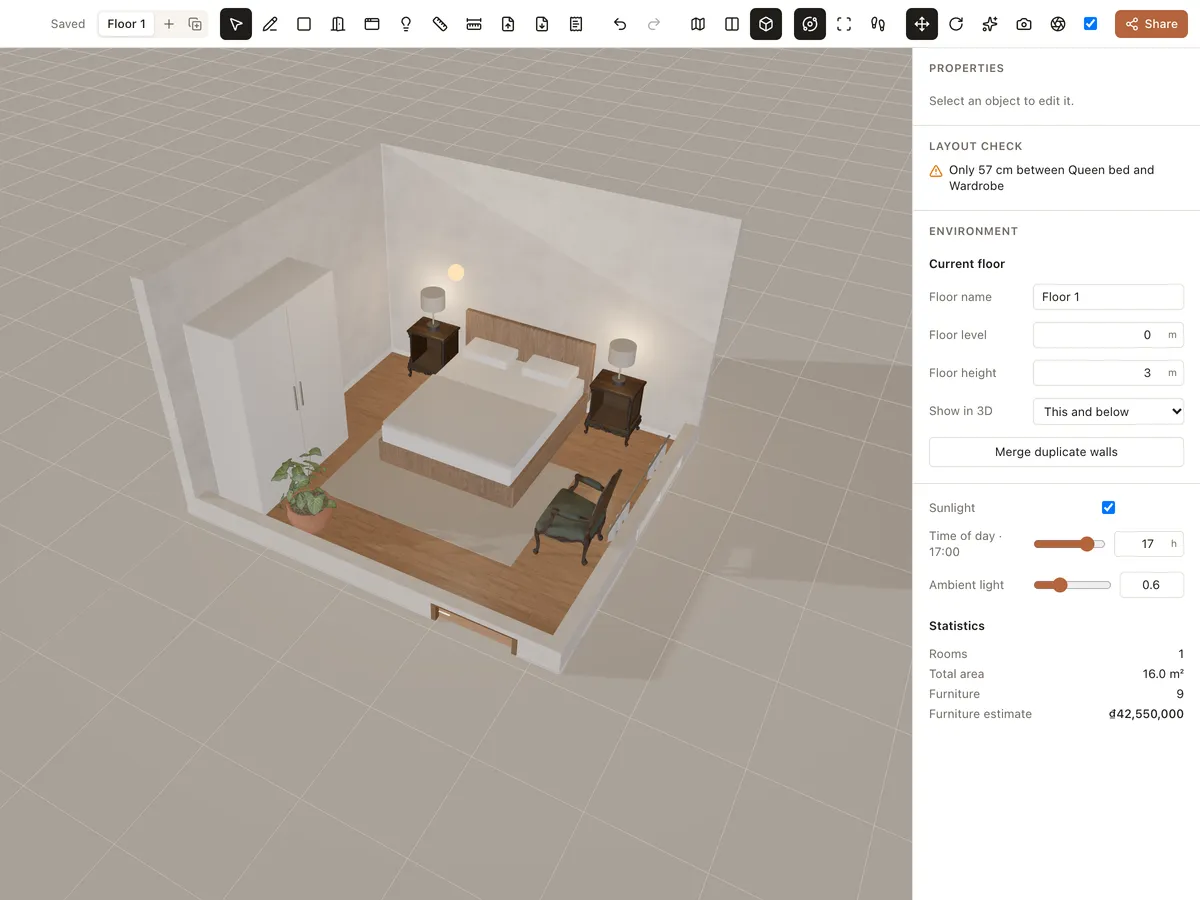
Materials & lighting
Try paint, wood floors, tiles, marble, concrete, fabric and carpet, then adjust room lights and sunlight by time of day. See the room change instantly in 3D.
Learn more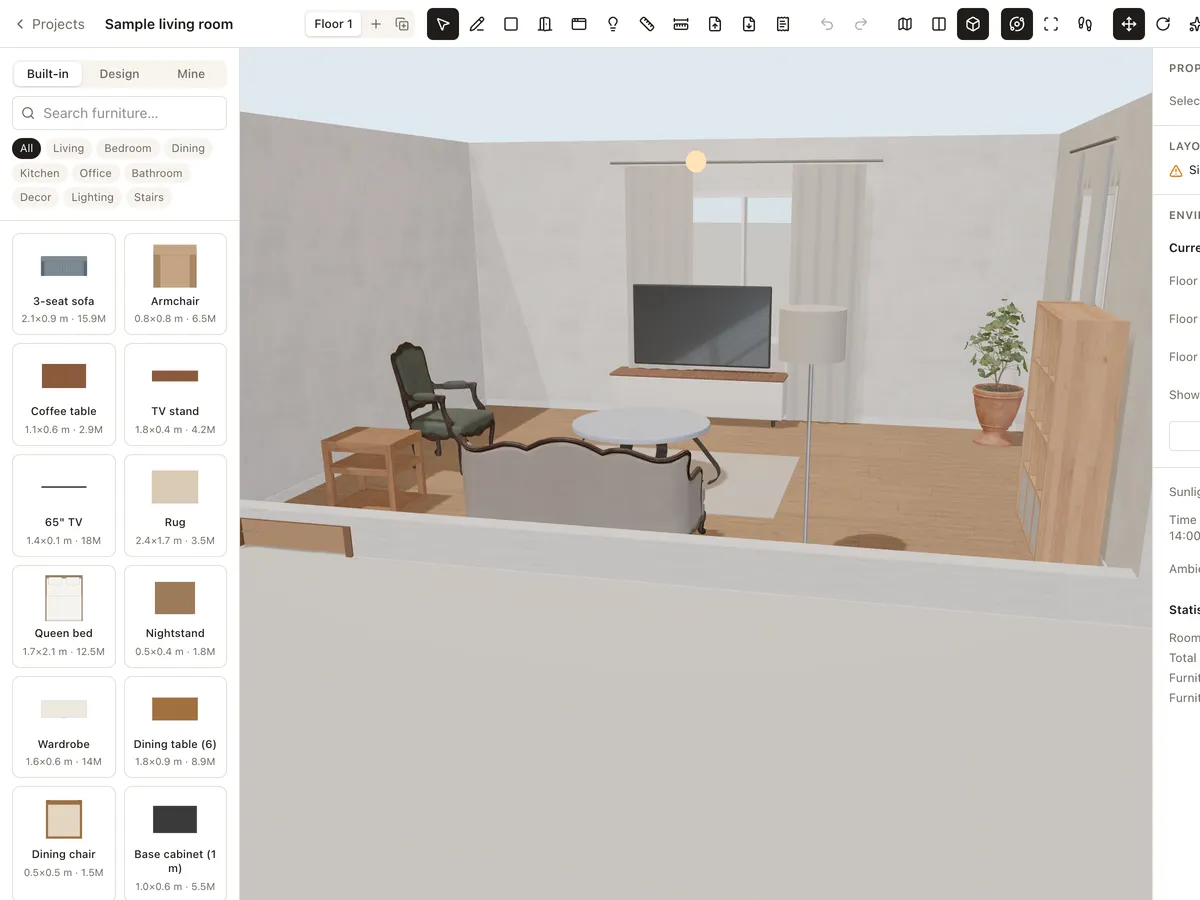
3D walkthrough
Walk through your interior design at eye level with W A S D, orbit around it or look from above. Share a link so others can walk through too — nothing to install.
Learn moreReady to design your home?
Free, right in your browser, nothing to install.