
Try materials and lighting before you build
Pick a paint colour, floor type or tile in a few clicks and see it in 3D straight away. Place lights, set their brightness and colour, and drag the time slider to see the sun come in at dawn or late afternoon.
- Paint, wood, tile, stone
- Concrete, fabric, carpet
- Custom lights
- Sun by time of day
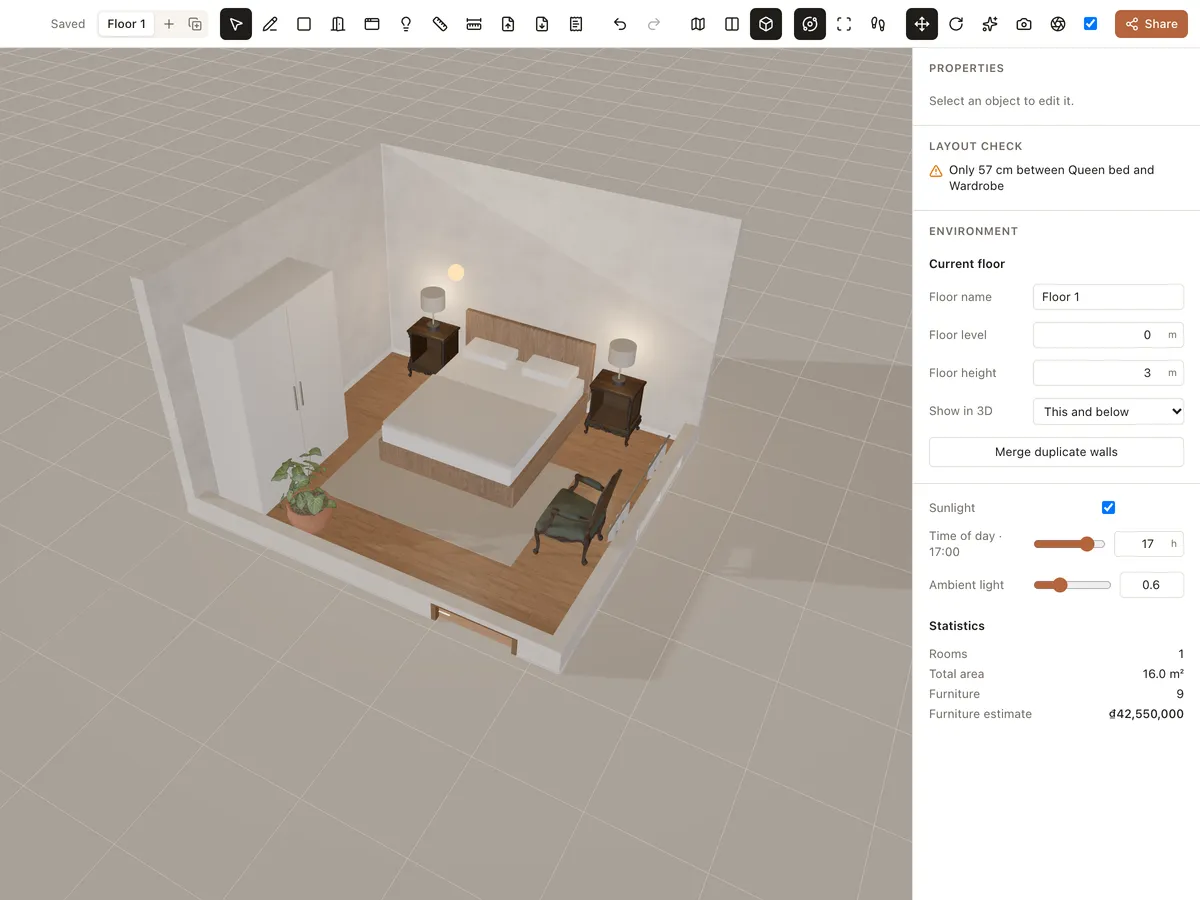
Materials and lighting
Realistic materials
Paint, wood, tile, marble, concrete, fabric and carpet with real texture and gloss.
Every surface
Change the material of each room floor, each wall and each piece of furniture.
Room lights
Place lights (L) anywhere and set brightness, colour and height.
Sun by the hour
Turn on sunlight and pick a time of day to see how bright the room gets.
Try materials in 3 steps
- 1
Pick a surface
Click the floor, wall or piece you want to change.
- 2
Choose material and colour
Set the material and colour in Properties.
- 3
Set the light
Add lights, choose the hour, then make a photoreal render if you like.
Frequently asked questions
Is Roomcraft free?
Yes. Roomcraft is free and runs in your browser (Chrome, Edge, Safari or Firefox with WebGL), with no software to install. Create an account to save projects to the cloud and open them on any device.
Will colours on screen match real life?
Closely, but it depends on your screen and real lighting. Use 3D to compare options, then check real samples before you buy.
Can I use an exact paint colour?
Yes. You can set any colour for walls and floors, so you can match a paint brand's swatch closely.
Explore more
See all features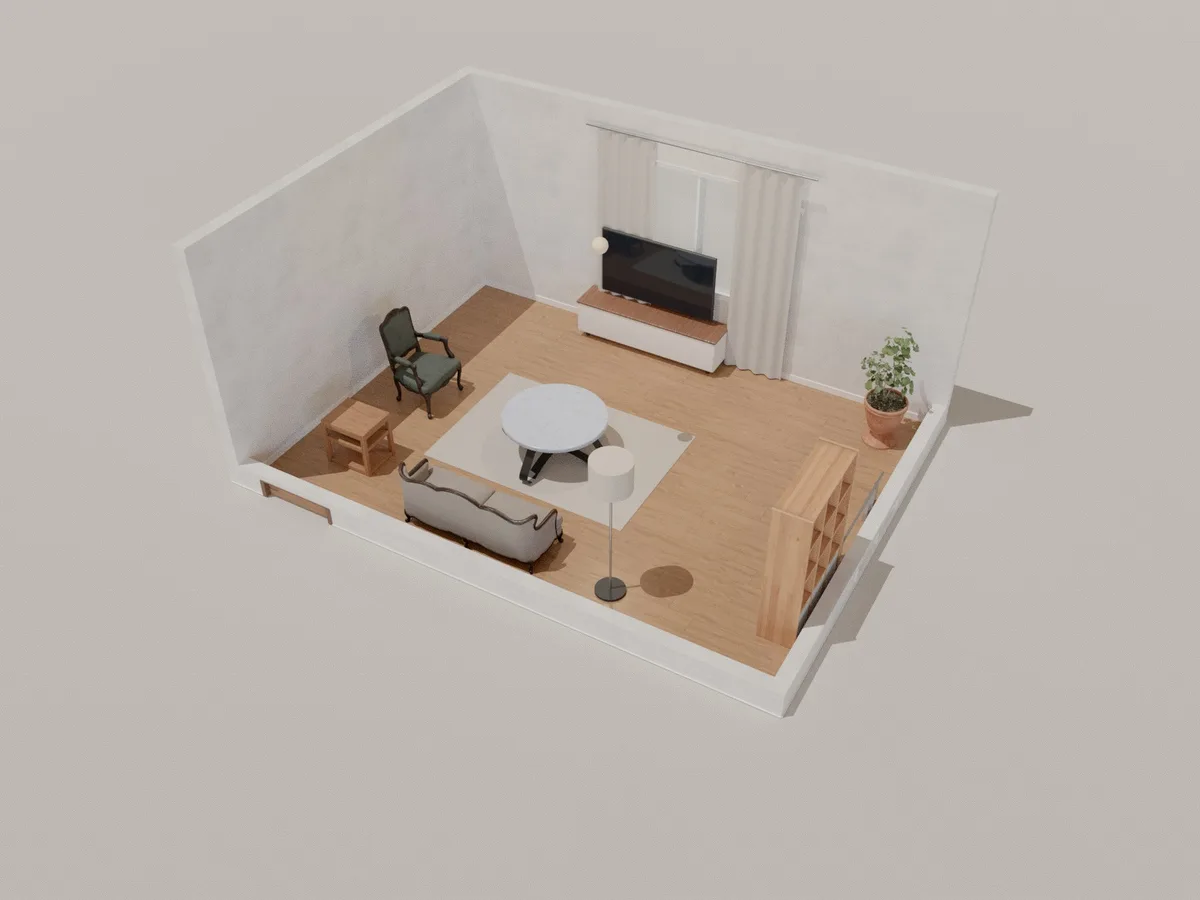
Photoreal render
Make photorealistic interior renders with path tracing right in your browser, on your own graphics card. Pick a quality, wait from seconds to a few minutes and download the image.
Learn more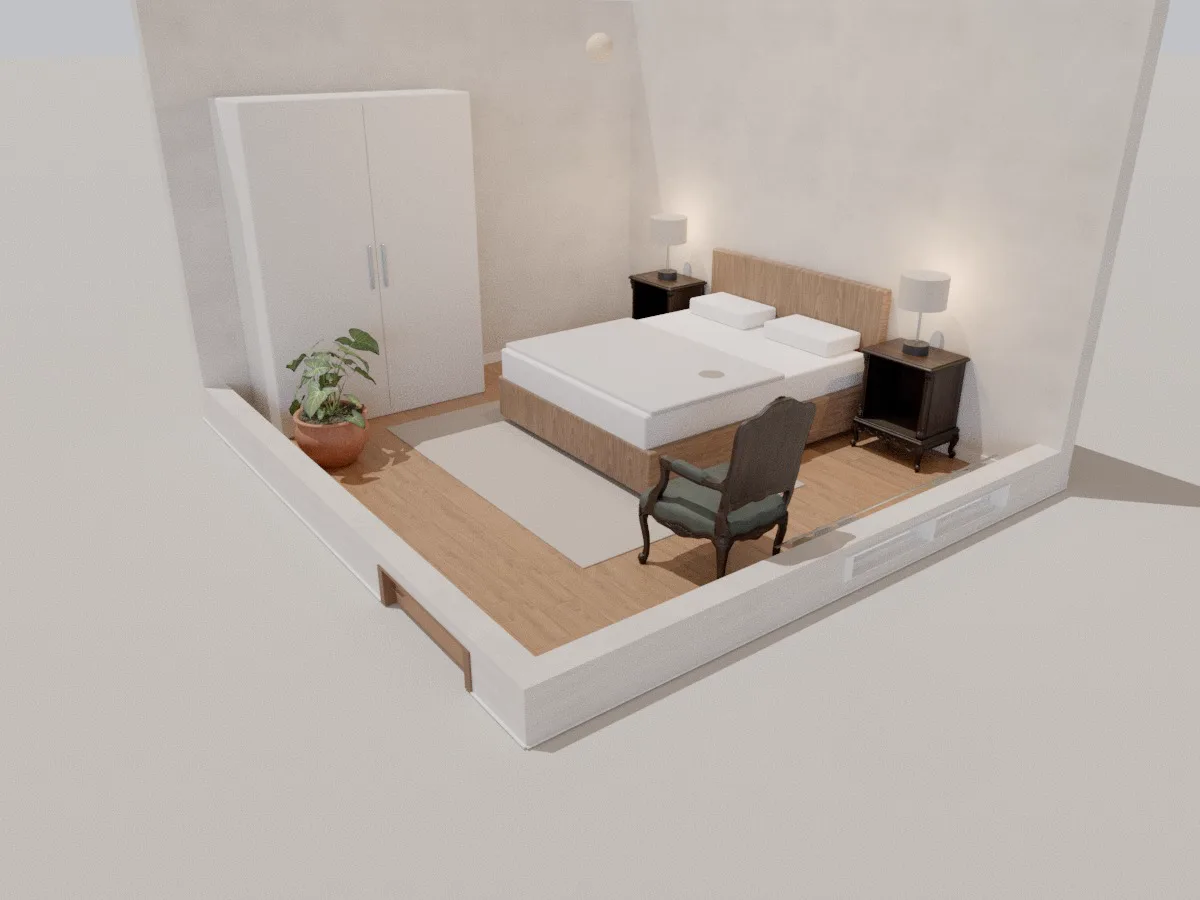
Bedroom
A 4.2 × 3.8 m 3D bedroom with a double bed, two nightstands, bedside lamps, wardrobe and reading chair. Open it in your browser, rearrange it and see your bedroom in 3D.
Learn more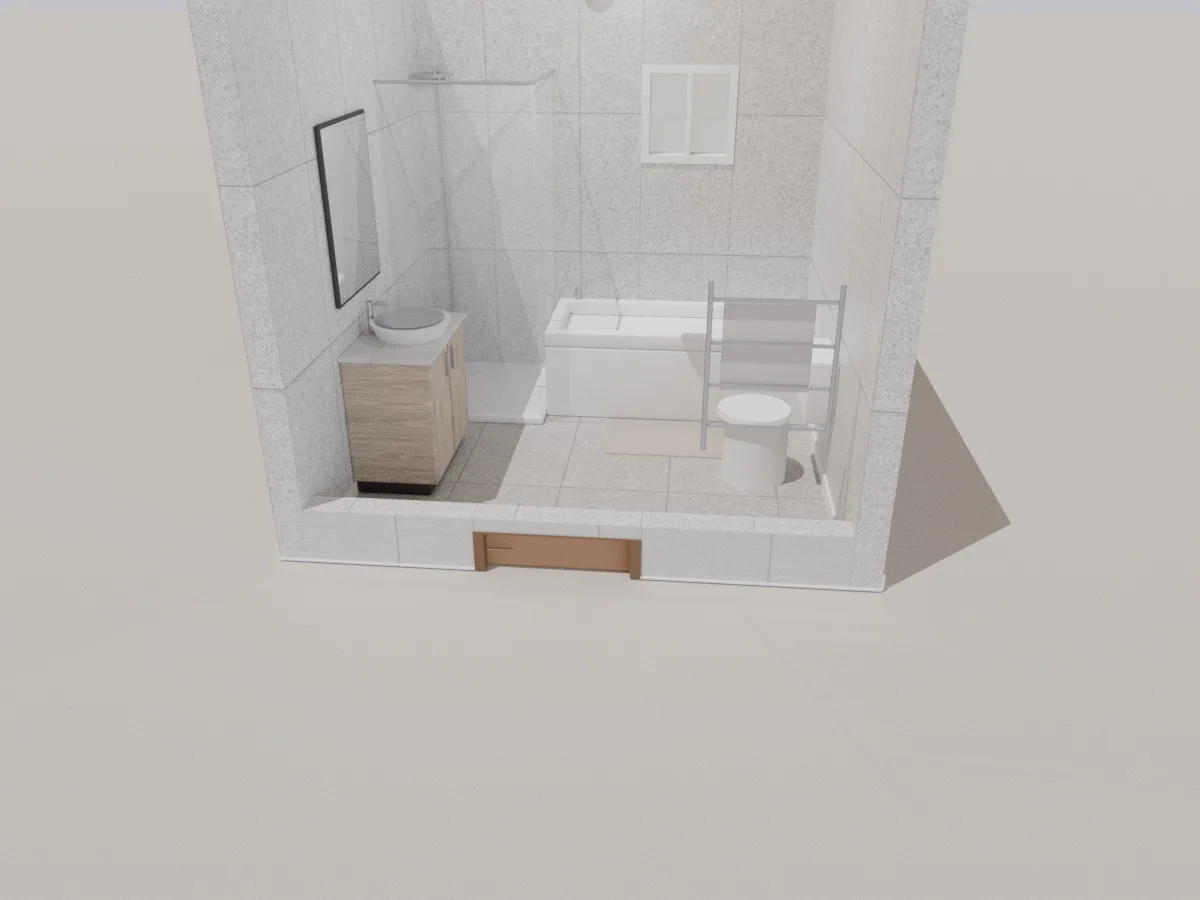
Bathroom
A 2.75 × 2.6 m 3D bathroom with glass shower, bathtub, vanity, mirror, toilet and towel rail. Tile it, rearrange it and see your bathroom in 3D right in the browser.
Learn moreReady to design your home?
Free, right in your browser, nothing to install.