
Photorealistic interior renders in your browser
Turn the current 3D view into an image with realistic light, soft shadows and reflections using path tracing. No separate render software or server: Roomcraft uses your own computer's graphics card.
- Path tracing
- Runs on your GPU
- 3 quality levels
- Download the image
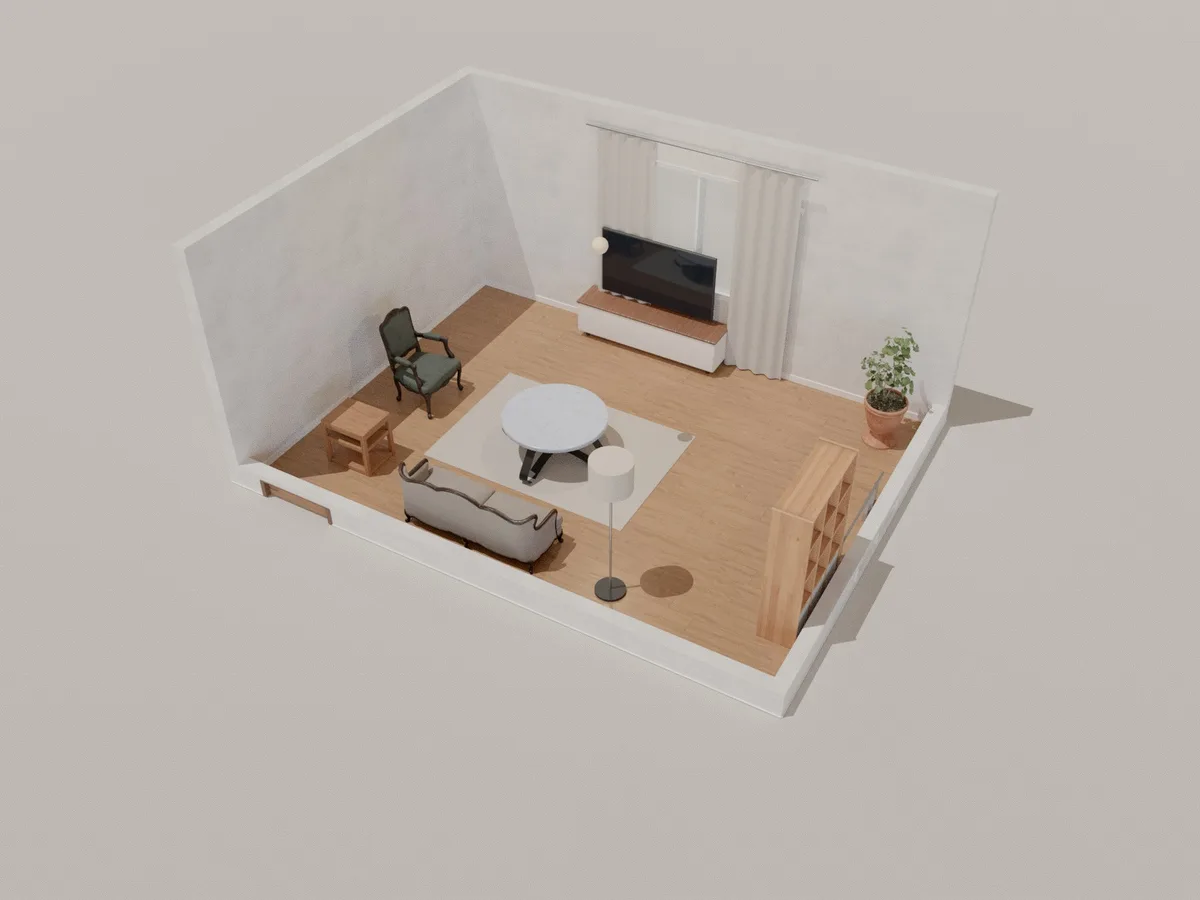
Photoreal rendering
Lifelike light
Path tracing simulates light bouncing around the room for soft shadows and natural reflections.
Three quality levels
Fast (128 samples), Good (512 samples) or Best (1024 samples).
Stop when it looks right
Watch the image sharpen sample by sample; stop and keep it at any time.
No render fees
Rendering runs on your machine, with no server queue to wait in.
Render in 3 steps
- 1
Frame the shot
Move the 3D camera to the room's best angle.
- 2
Pick a quality
Open Photoreal render and choose a quality level.
- 3
Download
Wait about 20 seconds to a few minutes, then download the image.
Frequently asked questions
Is Roomcraft free?
Yes. Roomcraft is free and runs in your browser (Chrome, Edge, Safari or Firefox with WebGL), with no software to install. Create an account to save projects to the cloud and open them on any device.
Will it work on a low-end computer?
Yes, just more slowly. Choose Fast, or stop early once the image is clear enough. A dedicated graphics card is much faster.
Can I move the camera while rendering?
The camera is locked while rendering so the image stays sharp. Stop the render to keep editing.
Explore more
See all features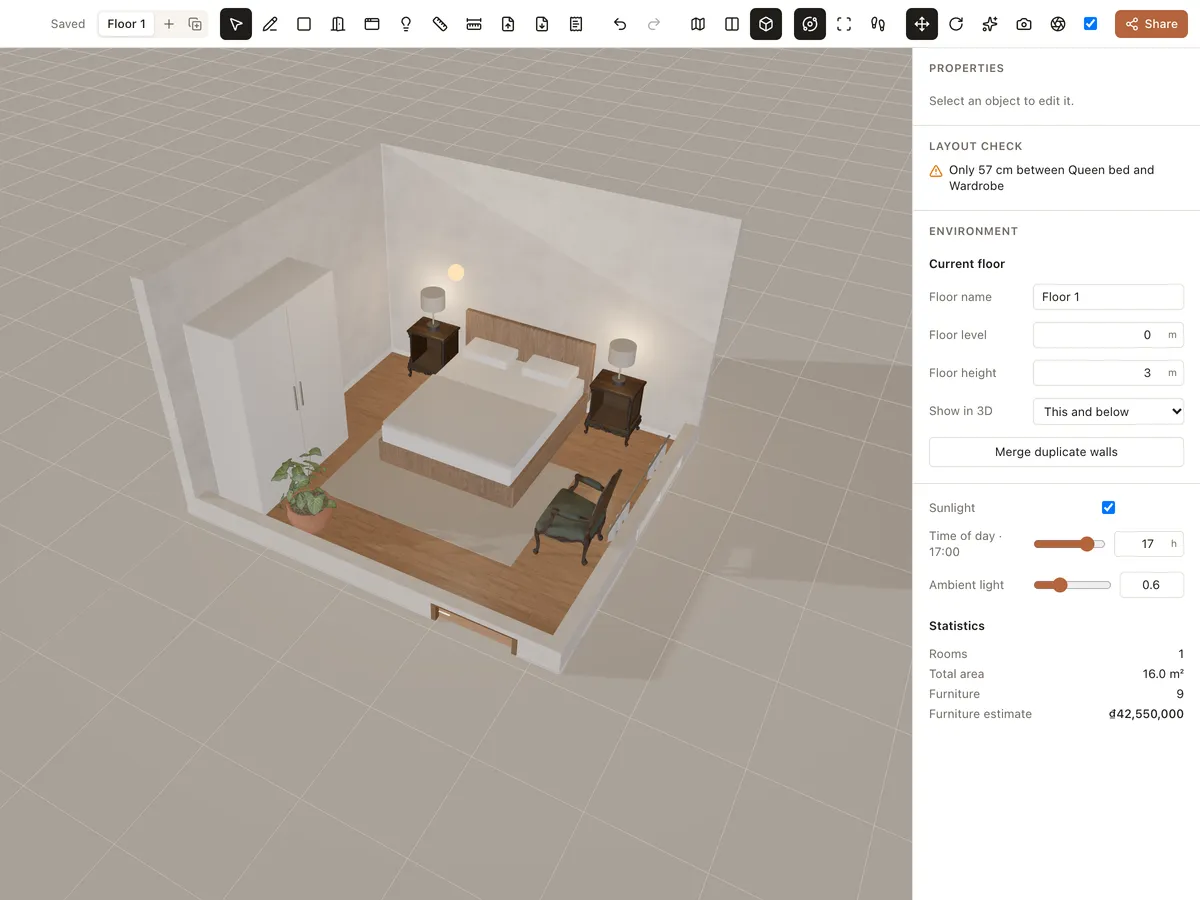
Materials & lighting
Try paint, wood floors, tiles, marble, concrete, fabric and carpet, then adjust room lights and sunlight by time of day. See the room change instantly in 3D.
Learn more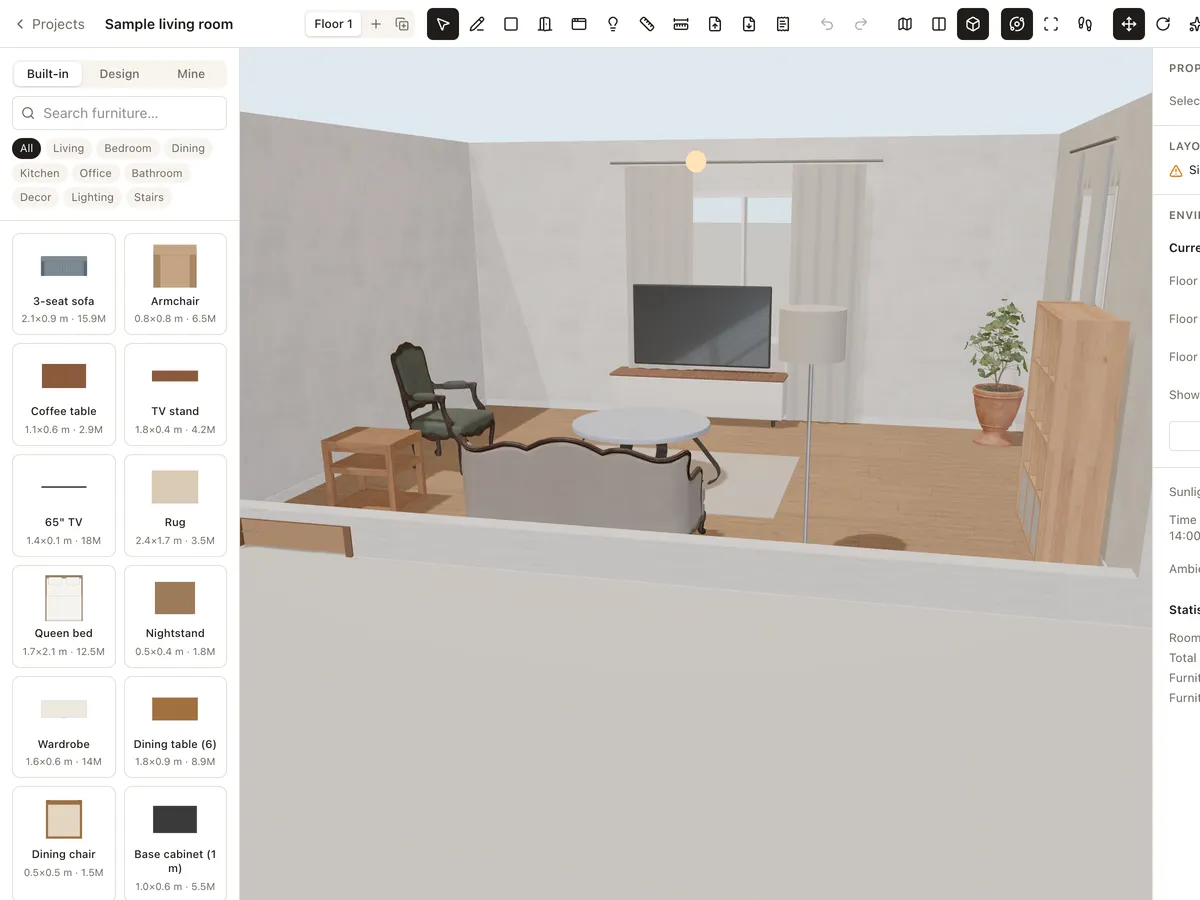
3D walkthrough
Walk through your interior design at eye level with W A S D, orbit around it or look from above. Share a link so others can walk through too — nothing to install.
Learn more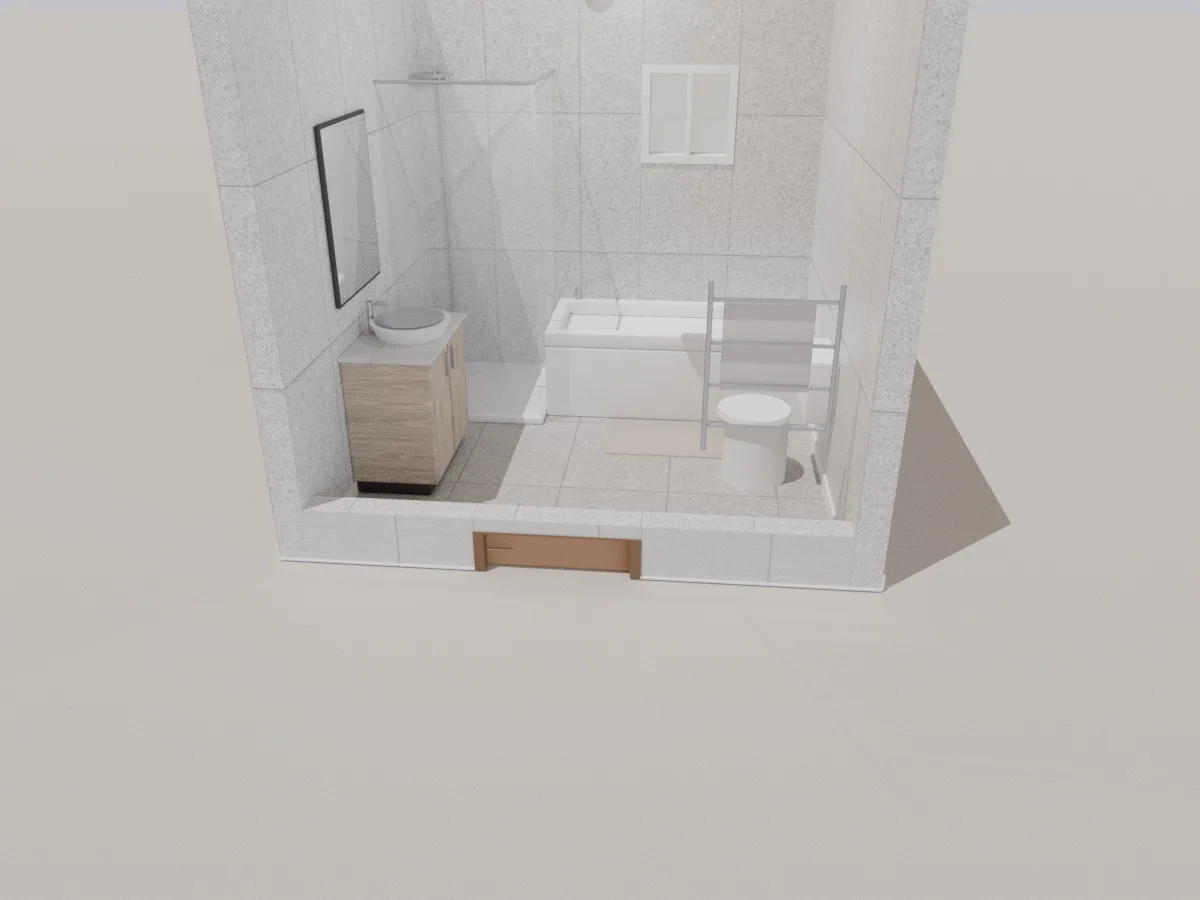
Bathroom
A 2.75 × 2.6 m 3D bathroom with glass shower, bathtub, vanity, mirror, toilet and towel rail. Tile it, rearrange it and see your bathroom in 3D right in the browser.
Learn moreReady to design your home?
Free, right in your browser, nothing to install.