
Roomcraft user guide
Step by step, from your first project to sending clients a proposal to approve. Read it in order or jump to the chapter you need.
Chapter 1
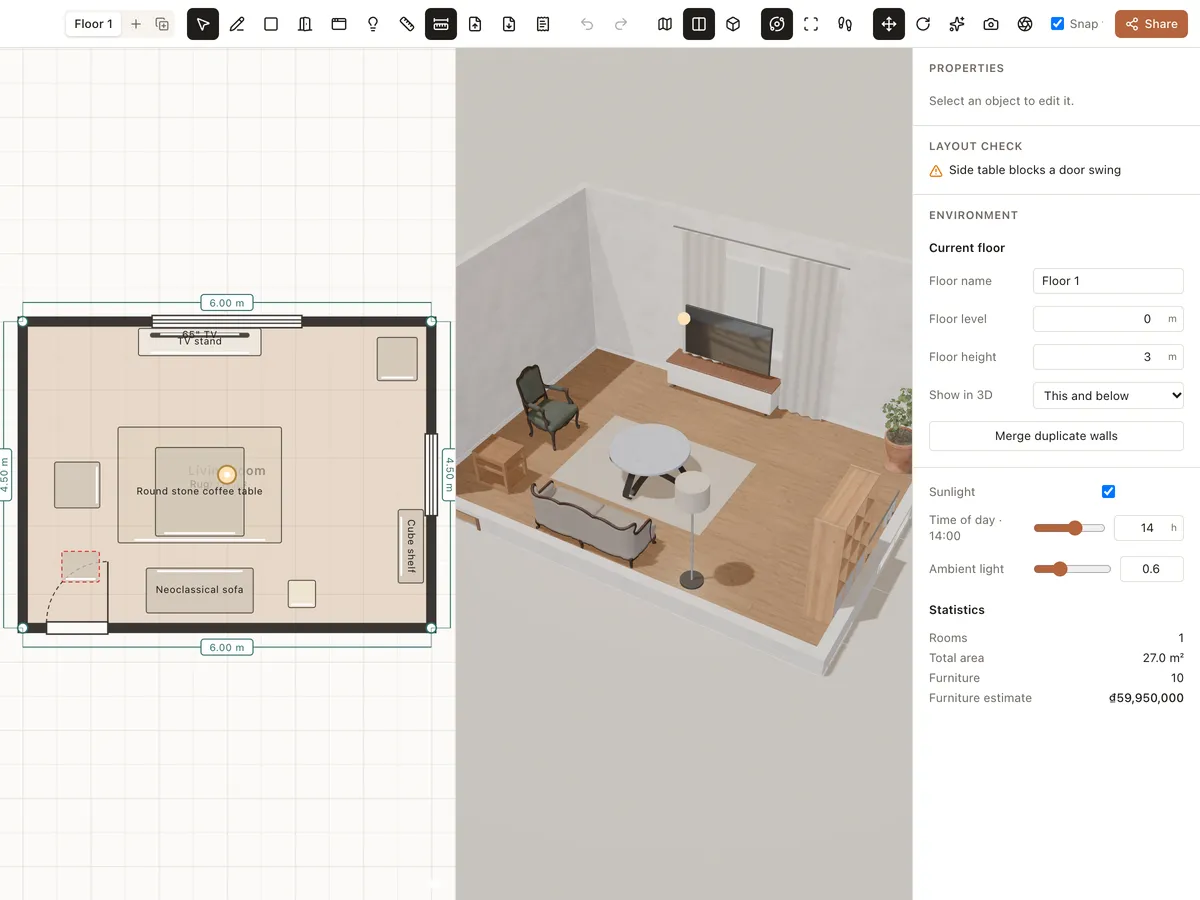
Getting started
Create an account, open your first project from a blank plan or a sample room, and learn your way around the Roomcraft editor: toolbar, library, 2D plan, 3D view and properties.
Read the guide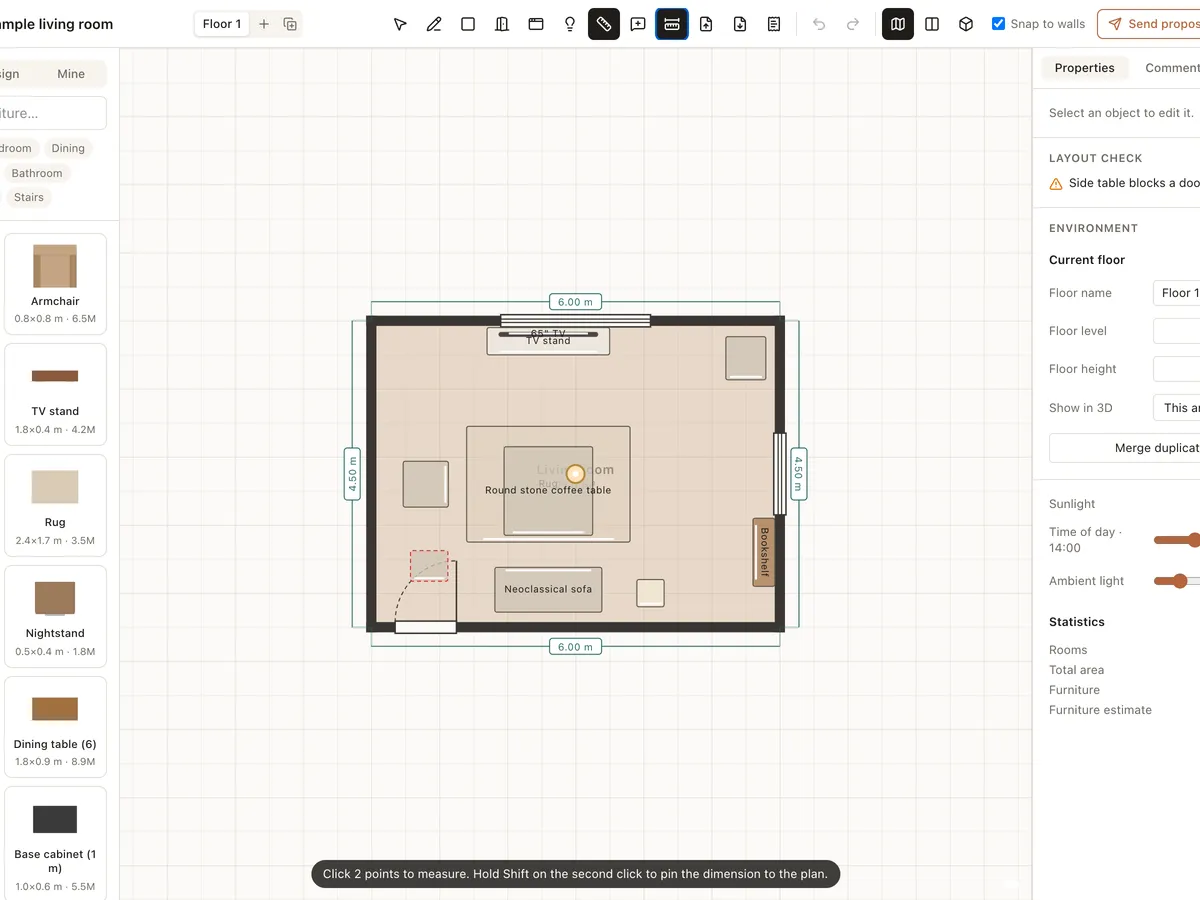
Chapter 2
Drawing floor plans
How to draw walls and rectangular rooms, add doors and windows, measure, add floors, cut stairwells and check the layout in Roomcraft. The 3D model updates as you draw.
Read the guide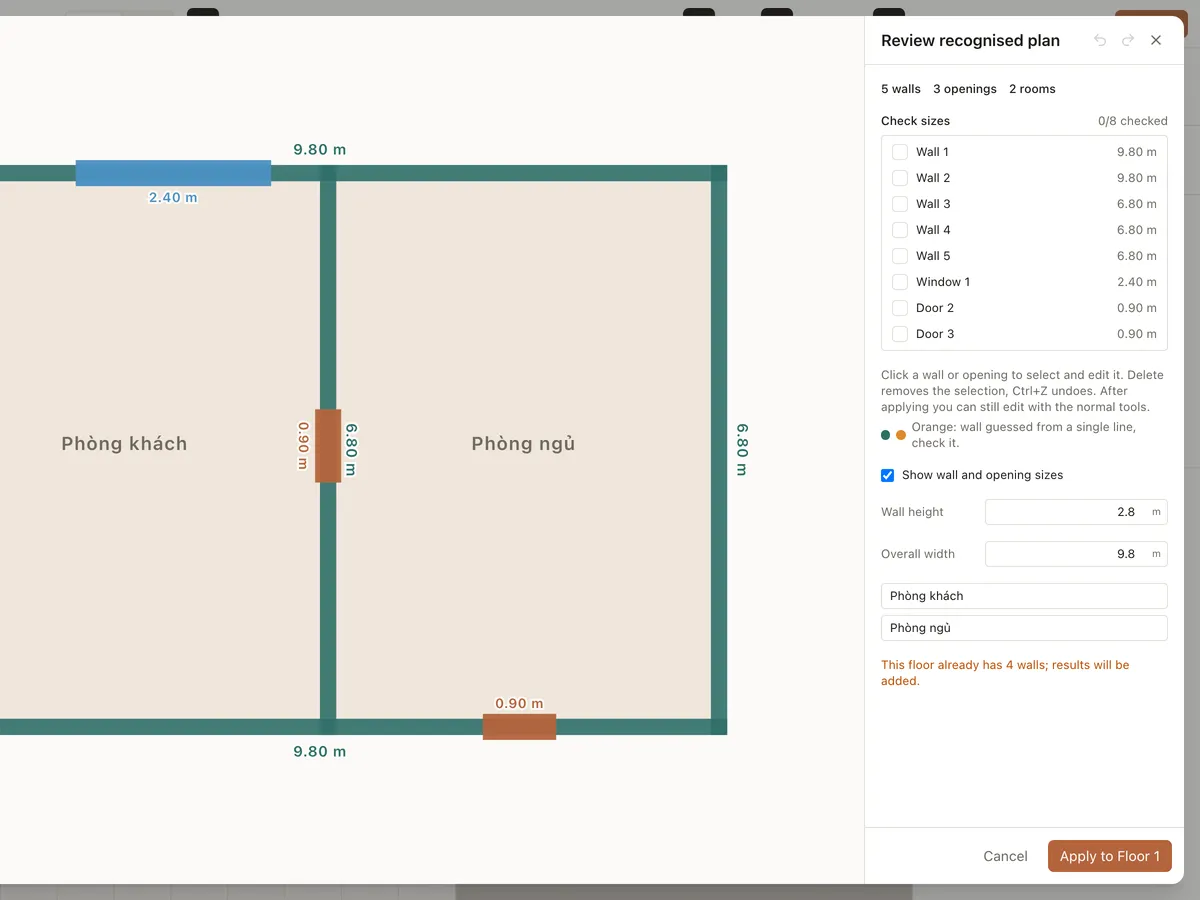
Chapter 3
Importing drawings
How to import a photo of a plan, a PDF or an AutoCAD DXF into Roomcraft, set the scale, auto-detect walls and doors, review the result and build the 3D model.
Read the guide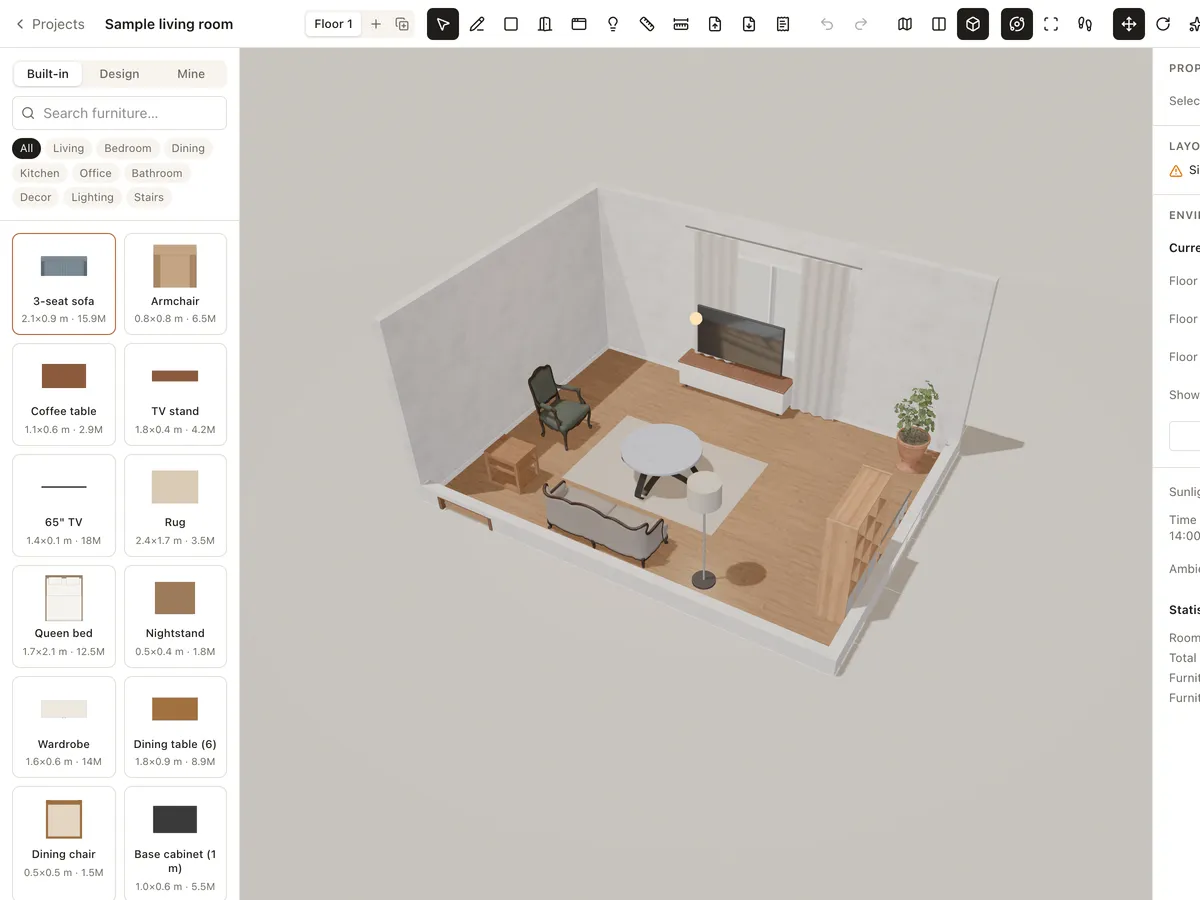
Chapter 4
Furnishing rooms
How to find, place, move, rotate, resize and restyle furniture in Roomcraft, use the Built-in, Design and Mine library tabs, and import your own GLB/GLTF models.
Read the guide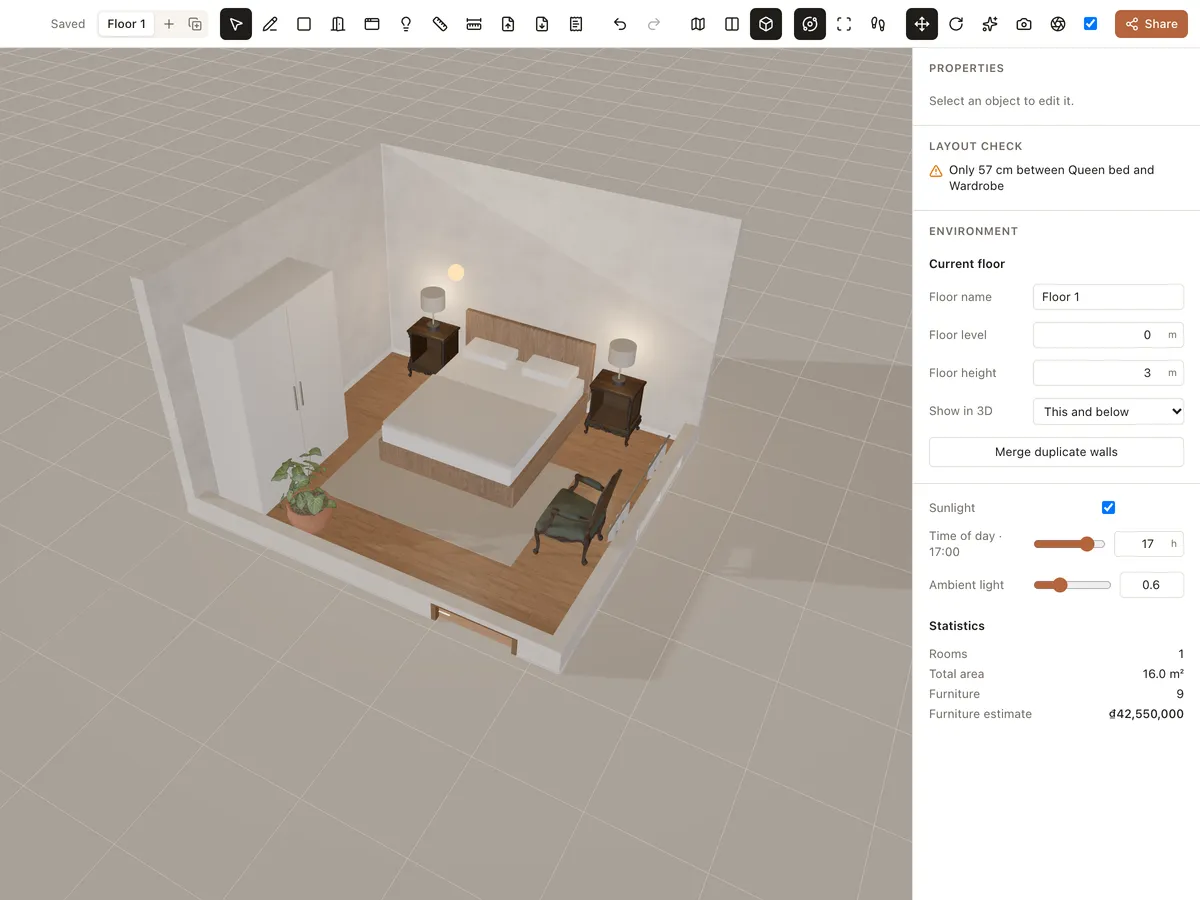
Chapter 5
Materials and lighting
How to change floor, wall and furniture materials, place lights, set their brightness and colour, and use sunlight by time of day and ambient light in Roomcraft.
Read the guide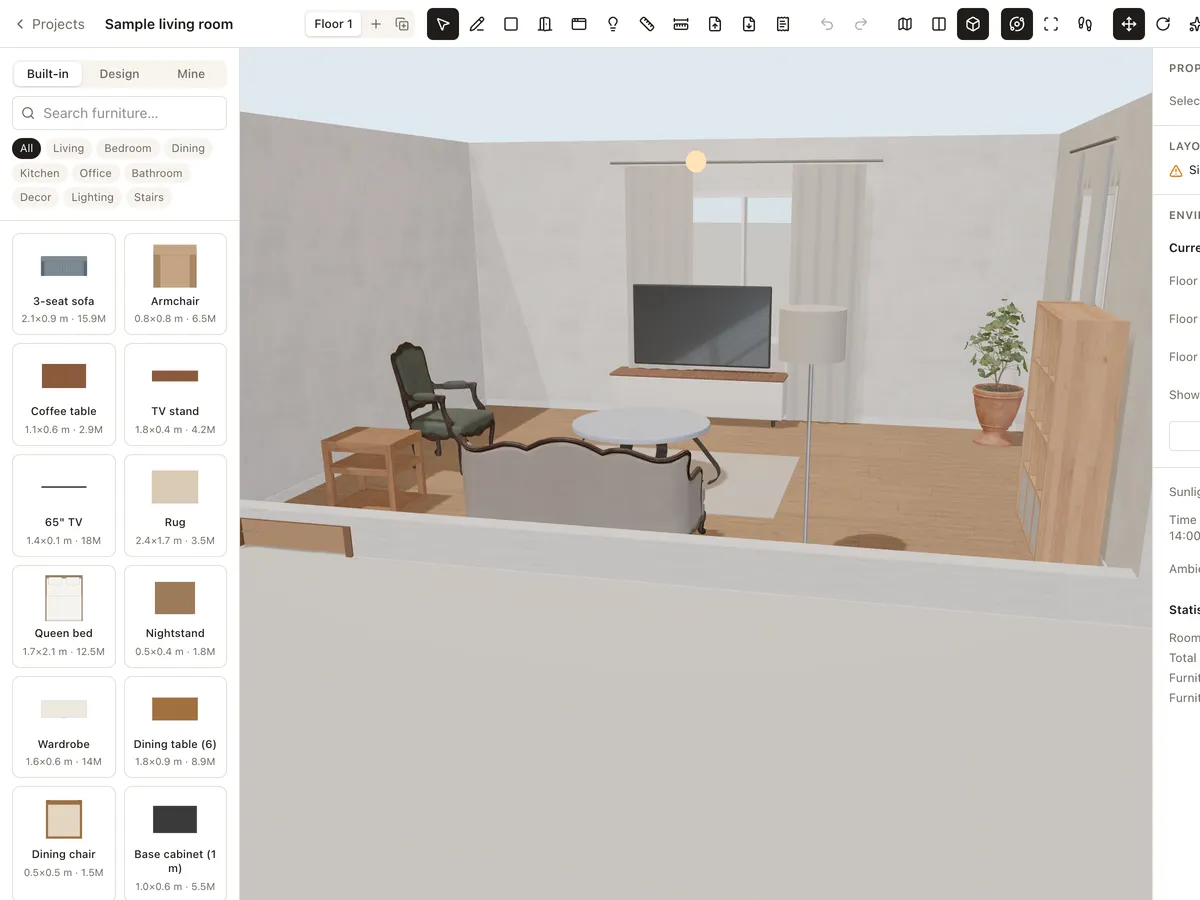
Chapter 6
3D views, walkthroughs and renders
How to orbit, look from the top, walk through with W A S D, open doors and drawers in Interact mode, take screenshots and make photoreal path-traced renders in Roomcraft.
Read the guide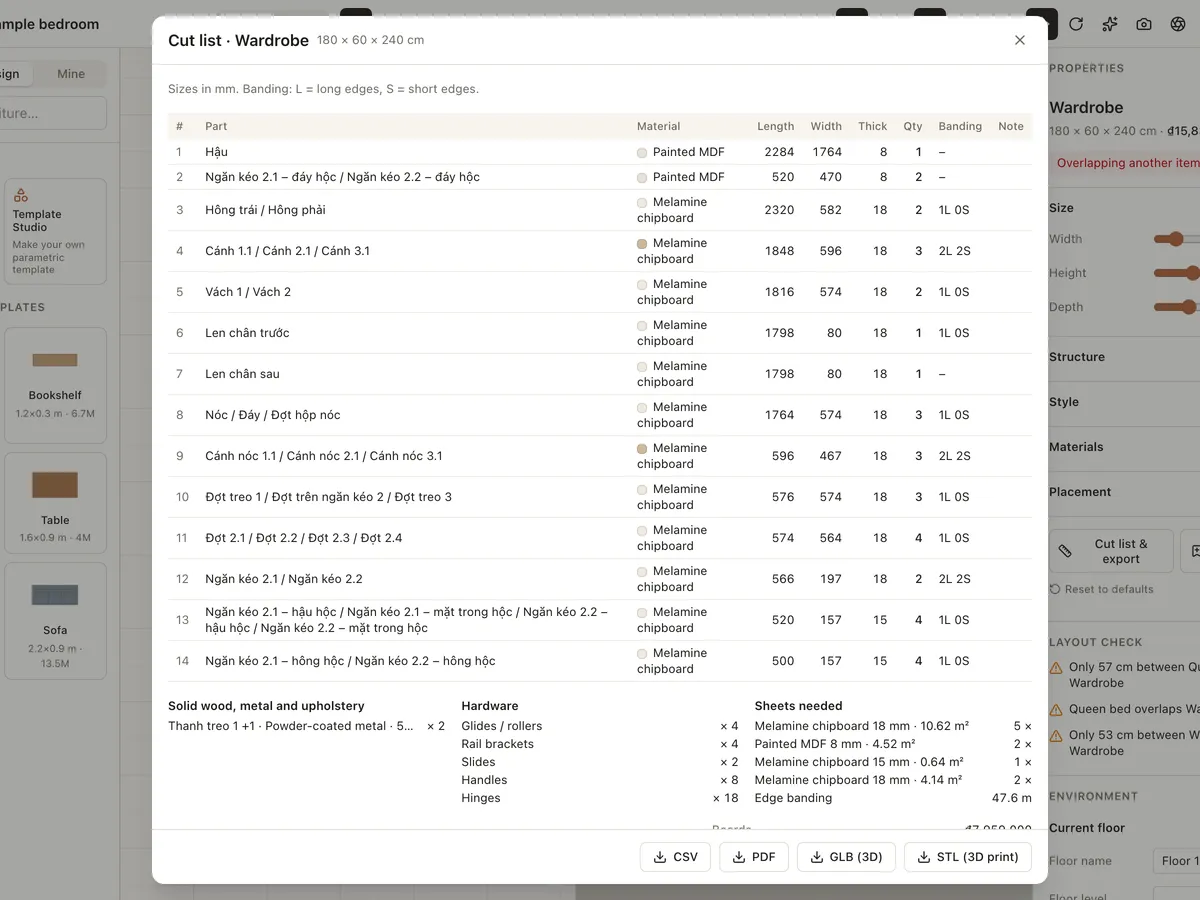
Chapter 7
Custom furniture and Template Studio
How to use parametric templates in the Design tab, set sizes and materials, export CSV/PDF cut lists and GLB/STL files, model freeform pieces and create your own templates in Template Studio.
Read the guide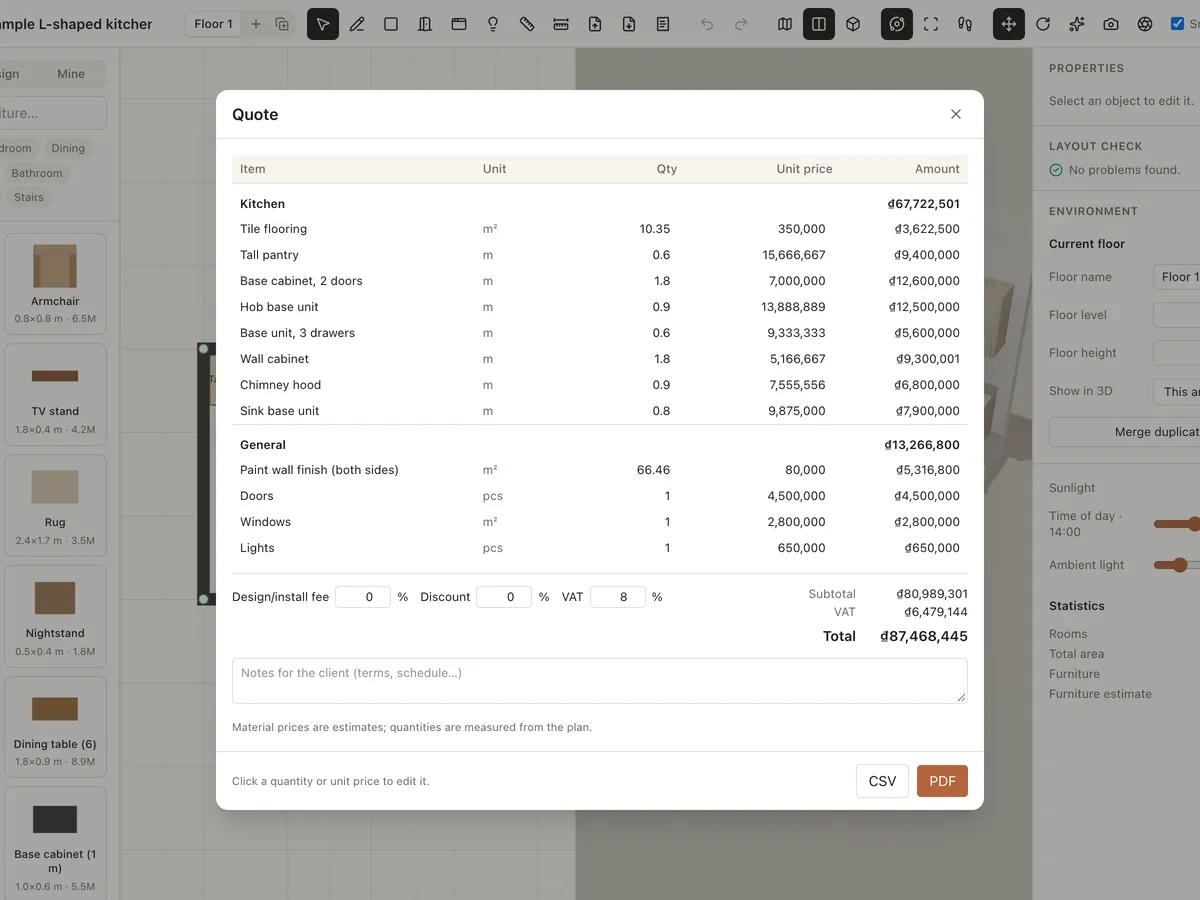
Chapter 8
Quotes and plan exports
How to build an automatic quote from your design, edit quantities and prices, add fees, discount and VAT, export it to CSV/PDF, and export scaled, dimensioned plans to PDF, PNG or SVG.
Read the guide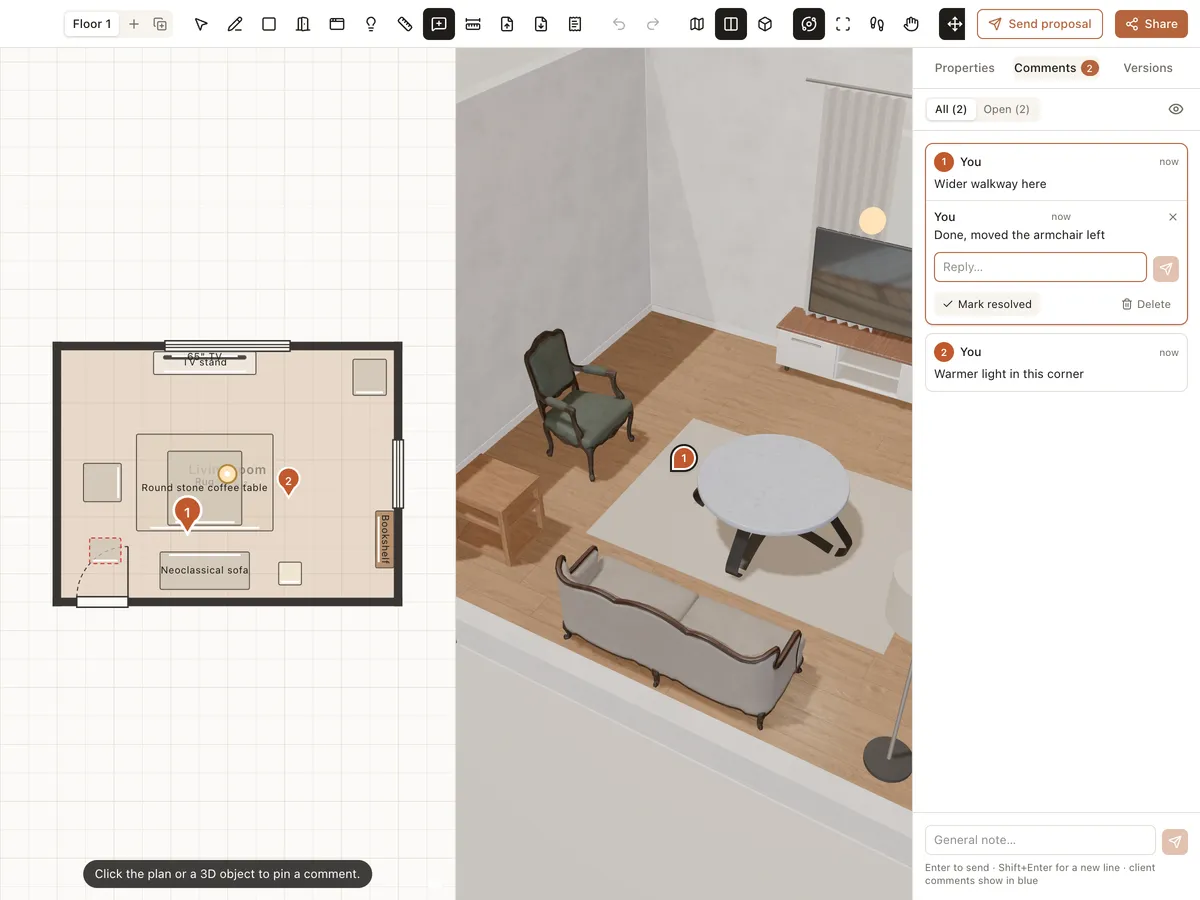
Chapter 9
Sharing and working with clients
How to share a view link, save and compare versions, pin comments on the plan or in 3D, send multi-option proposals for clients to approve, and get notifications in Roomcraft.
Read the guideChapter 10
Keyboard shortcuts
Every Roomcraft editor shortcut: tools for walls, rooms, doors, lights, measuring and comments, drawing import, move, rotate, interact, undo, duplicate and 3D walkthroughs.
Read the guide
Ready to design your home?
Free, right in your browser, nothing to install.